A brief word about how I juggle the creation of my own meager, yet somewhat epic in scale, production in Carrara
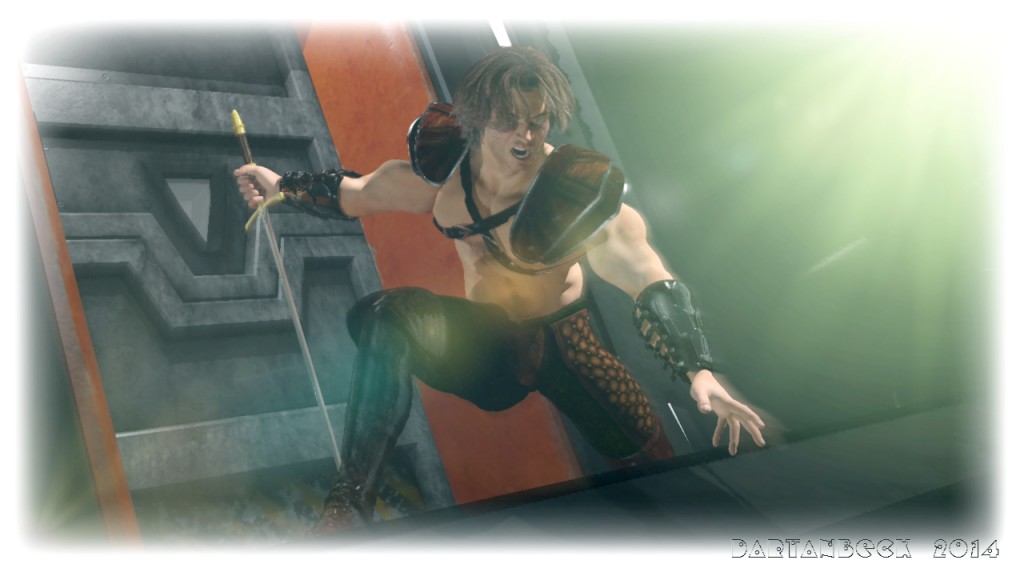
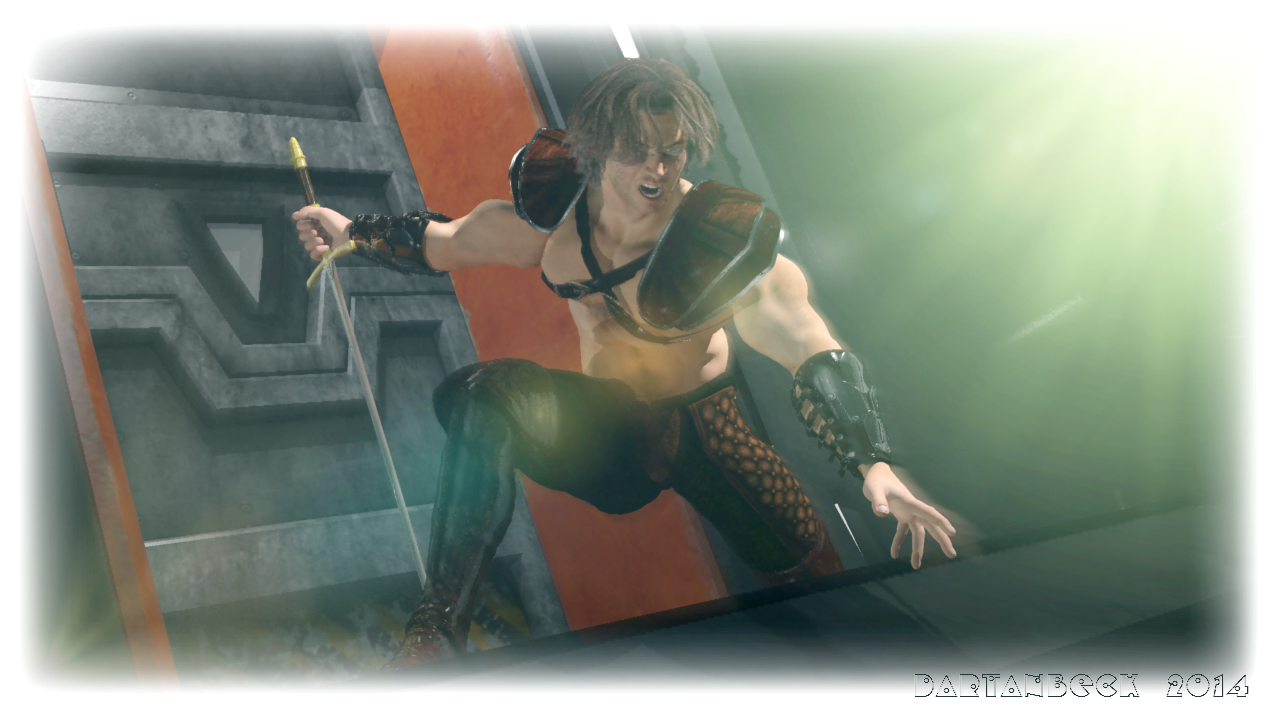
Amidst the darkness of reality arose a hero lost in his own imagination. Together, he and his fascinations protect what little light remains and strive to make it brighter….
One thing that I really love to do when I’m at a computer is to animate 3d scenes. This includes the modeling, mapping, texturing, lighting, layout… I enjoy pretty much all of it. But when I begin to tackle the notion of making my own movie, I come to the brutal conclusion that I really cannot do it all. At least that’s what the reality was when I first took on this idea. During my quest in this I’ve taken up a habit of watching all of the Disc 2 special features that come with movies – especially watching for their production footage on special effects and animation. It was interesting to learn that the near one minute shot of Obi-Wan Kenobi vs Anakin Skywalker in the lava pit cost over 70,000 man hours to make – just that one scene! Very interesting stuff. It really helps to bring about an understanding of what sort of goals to set if one does wish to do it all by ones self.
Sparrowhawke3D plugins have been updated for Carrara 8 on the Mac in 32bit and 64bit flavors, including recent versions of Jiggle and Cloth. The “experimental” Laboratory plugins have also been updated and are offered as a separate download.
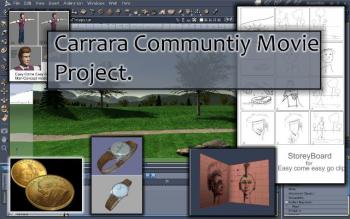
Mike Moir is hosting a revival of the Carrara Community Movie Project. Animators can join the group here on Cafe and chose one of the shots to render.
“If you want to participate with this Easy Come Easy Go test clip just download the assets in the assets thread and then tell us which panel of the storyboard you want to animate. Once you are done upload the finish file and we can edit them together to create the final movie.”
Carrara will have a new GPU render option soon, according to an announcement on Octane Render’s website!
“Today we’re proud to announce that an integrated plug-in is being developed for Carrara from DAZ 3D by Simon Guard….
Carrara users will be pleased to know that they will soon be able to experience OctaneRender’s dazzling speed and quality from inside DAZ 3D’s Carrara, allowing an instantaneous photoreal preview of the scene while editing cameras, lights, materials and objects in the scene.”
on February 3rd, Otoy put out a limited call for beta testers for their Octane Render plugin. It currently supports Windows 7 & 8 preferably 64-bit, and Carrara 8+ (64bit Pro preferred). The testing phase will take “a few weeks” and when it’s done the plugin will then be released as an ongoing beta product. http://render.otoy.com/forum/viewtopic.php?f=7&t=38065#p169499
**UPDATE – new video posted Jan 26 2014
Plugin author Simon Guard posted a second video showing his progress with the Octane Render plugin for Carrara. The video demonstrates some JAW DROPPING NEAR-REALTIME updates between Carrara’s Assembly Room and Octane’s GPU-powered unbiased renderer.
DAZ 3D’s Millennium Dragon 2 model is loaded in Carrara and posed. One of the shaders is converted to the plugin’s Octane Materials Shader tree, which helpfully preserves the original shader in a sub-tree until Octane’s shaders are activated. A menu item will batch convert shaders, but it is not obvious from the video whether converting improved render speed or quality. Remarkably, Carrara’s native shader appeared to pass the imagemap textures to Octane as well.
Trees from Carrara’s Plant Modeler are replicated. A small Terrain with several instances of trees demonstrates Octane’s depth-of-field. As a pièce de résistance HowieFarkes’ NOBLE PINES full environment scene is opened in Carrara and rendered by Octane, although limits of the automated material conversion become apparent. The update looks promising already, but a title at the end says there is still much to do, “texture baking” “animation” and “live DB”.
**from Oct 25 2013
Octane Render offers GPU-based unbiased renders in realtime on your graphics card. The company claims speed increases of 10x to 15x over traditional CPU based unbiased engines. Octane Render supports all major platforms and runs with Window XP, Vista, 7, 8 (32 or 64 bit), Linux 64 bit and MacOS X. Currently, Octane Render requires a CUDA enabled Nvidia video card to be installed.
Octane Render runs as a standalone program, but over the last few months the Octane community has been rolling out integrated plugins for a growing list of 3D programs including Maya, 3DS MAX, Lightwave, Blender, and Cinema4D. The integrated plugin for DAZ 3D’s Carrara was announced on October 24.
A lengthy video below shows the current state of the plug-in:
A release date and price for the plugin has not been announced. The plugin will require a Standalone license, but combo prices for the Standalone and various plugins are offered on the website:
OctaneRender™ for Poser® + Standalone Combo v1.x License (329 €)
OctaneRender™ for Maya® + Standalone Combo v1.x License (359 €)
OctaneRender™ for LightWave™ + Standalone Combo v1.x License (339 €)
a plugin for DAZ Studio is currently in beta and available for purchase:
OctaneRender™ for DAZ Studio v1.0 beta + Standalone v1.1 License Combo (279 €)
What if I told you there is a single effect that can deliver more visual impact from your renders, allowing you to redefine reflection, highlight, and shadow with the contours of your scene objects. Create photoreal fabric and glass shaders, and enhance skin with subtle, flattering effects that render in a fraction of the time of subsurface scattering. Well it’s all true. It’s called Falloff, and it’s not included with Carrara but probably should be.
What is Falloff
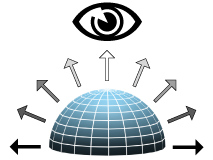
Falloff is a value based on viewing angle
Falloff is a value based on the viewing angle of the geometry to another point in 3D space, usually the camera. Polygons that face the camera receive a high value, while polygons that angle their surface away from the camera are given a lower value. You will often see the term fresnel (pronounced fra-nell). Generally, fresnel is used when discussing transparency and refraction while falloff refers to color or glow, but for our discussion the two words are more or less interchangeable.
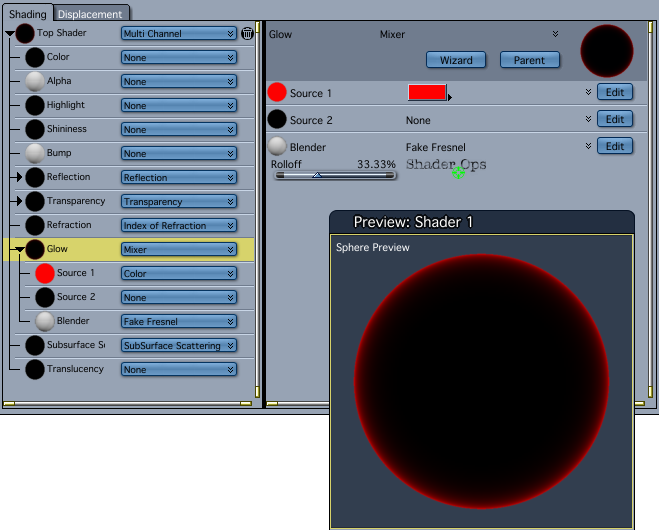
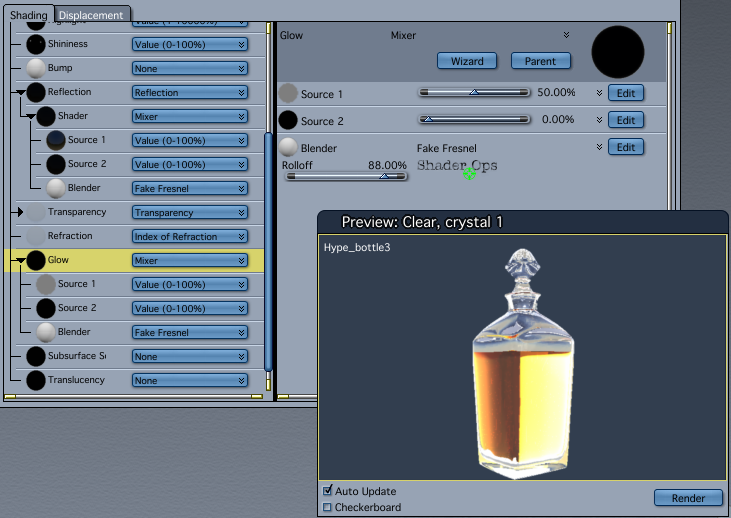
As of Carrara8.5 there is no falloff shader included with Carrara. Fortunately we have several choices with plugins. Digital Carver’s Guild offers a simple Fake Fresnel shader with SHADER OPS. SHOESTRING SHADERS adds the more sophisticated Fresnel and Angle shaders. Sparrowhawke3D recently updated the Laboratory plugins for Carrara8.5, including a free Edge Falloff Shader.
Fake Fresnel in Shader Ops will always “point at” the rendering camera, but the Shoestring Shaders are more versatile allowing any scene object to be the “point at” object. All the examples in this article use the simpler Fake Fresnel shader. Links to the plugins are at the end of the article.
EDGE POP
Let’s start with a simple falloff in the glow channel. See how the cherries “pop” from the dark background? They almost seem to float in space in front of the screen. This is because the extra contrast separates the layer from the background. If we were seeing this in real life, there would need to be empty space behind the cherries to create this kind of “light wrap” effect. Our eyes perceive the fall off as depth, as well as adding a kind of glossy highlight all around the curved surfaces. Use this trick anytime you want to make an object jump out and grab attention.
Falloff edges “pop” from a dark background
METAL and ENAMEL REFLECTION
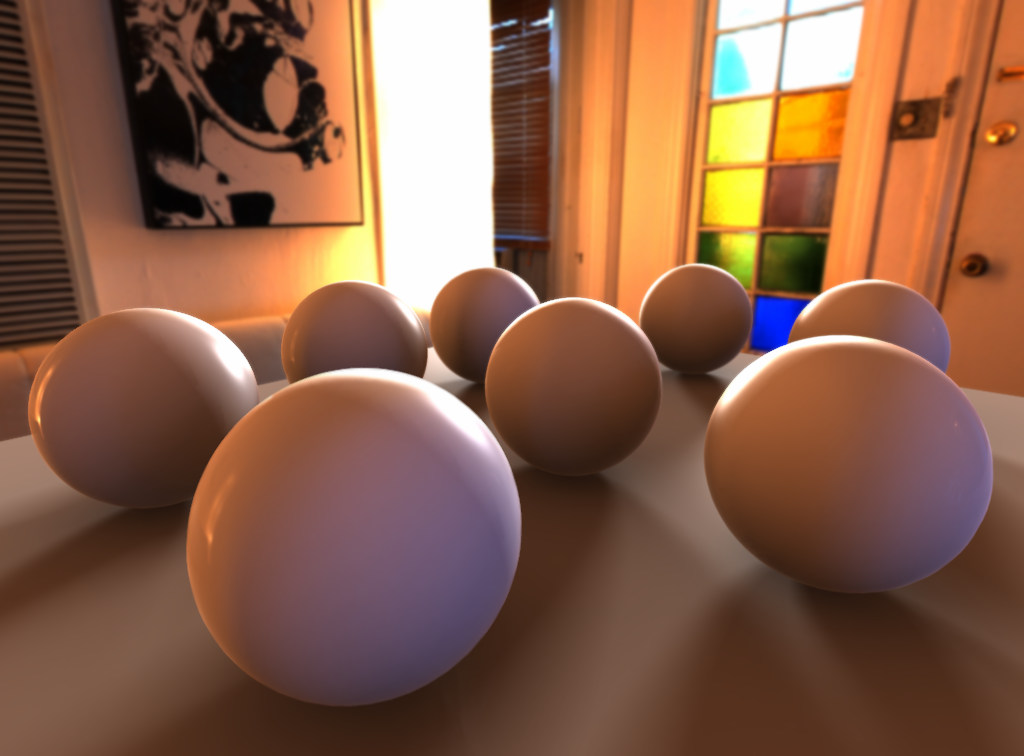
Instead of “popping out” of the screen, falloff in the Reflection Channel can help embed an object into your environment, especially when using an hdr background to wrap your scene. Hard surfaces made of metal or glossy enamel coatings start to reflect at oblique angles, even if they don’t have a highly mirrored surface. Airplane wings, automobile hoods, chrome bumpers, stainless steel tools, and ceramic-tile countertops are objects that will show more reflection when viewed edge-on. Adding falloff in the Reflection Channel also creates a better light wrap on hard surfaces when using hdr backgrounds and image-based lighting.
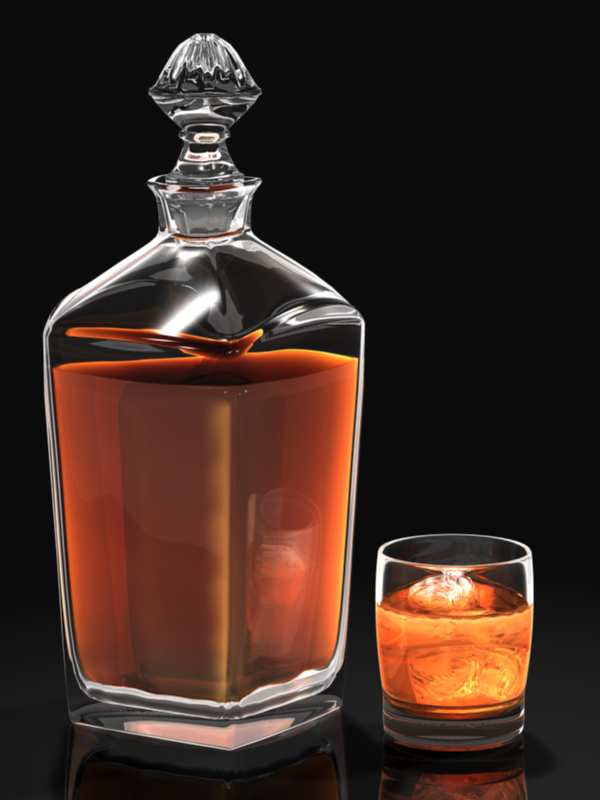
Glass can be one of the most challenging surfaces to render in 3D. Even with extra lights and heavy refraction the edges of glass objects can easily disappear. A thin, bright, edge falloff glow gives glass more “presence”. As above, falloff in the reflection channel can also be added for additional photorealism.
PySwarm for PyCarrara 0.6 was recently released (01-25-2014), among the many new functions and fixes, is the addition of several demo scenes to experiment with and learn from.
FractalDimensia also recently revealed the future plans for PySwarm at the DAZ 3D forum thread:
So here is the current order of future MAJOR enhancements (I’m leaving out other improvements): 1) Revised containment algorithm (V0.6.1) 2) Basic motion animation (V0.6.2) 3) Terrain following (V0.7) 4) More motion animation (V0.7.1) 5) Predator-Prey rule (V0.8) With that said, I am willing to consider shifting priorities based on user needs. “First come, first serve.” If you have a need for a feature, and no one else is requesting something else, just let me know. I’ll consider changing the order!


 Mike Moir is hosting a revival of the Carrara Community Movie Project. Animators can join the group here on Cafe and chose one of the shots to render.
















 Saving...