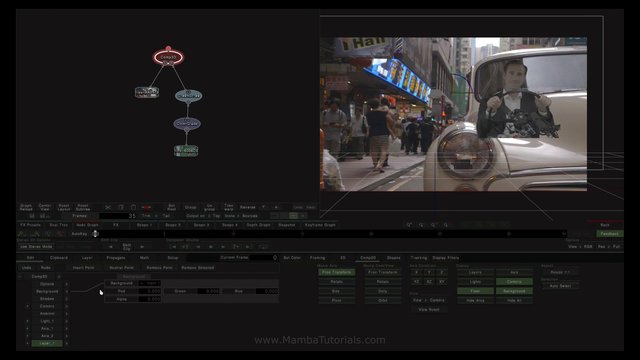
SGO, the developers of amazing and high end industry approved post production software Mistika, presented a new tool for everyone in the needs for a high end composting application. Built on top of Mistika’s technology here is Mamba FX.
Effective immediately, Pixar is announcing that the price of the current version of RenderMan is $495 per license for commercial use. A free non-commercial RenderMan will be available with the upcoming release of RenderMan scheduled in the timeframe of SIGGRAPH 2014. Pixar’s RenderMan® has been used for such classics as The Abyss, Terminator II, Jurassic Park, and Toy Story.
RenderMan products will also be combined, providing access to both the artist interface and the batch renderer for all users.
“Given the continually falling price of computing, trends point to studios and individual artists needing more and more rendering capacity. Reducing the cost of RenderMan makes it more cost effective to expand capacity and generate higher quality pixels. Pixar has established a new price point to specifically encourage accessibility and remove barriers to growth.” http://renderman.pixar.com/view/non-commercial
With the upcoming release RenderMan will be free for non-commercial usage that does not involve direct use to generate profits. Renders may be published as long the images are not sold for profit. Examples of non-commercial use-cases include evaluations, personal learning, experimentation, research, and the development of tools and plug-ins for RenderMan.
The new RenderMan is being released in the timeframe of SIGGRAPH 2014 and will be compatible with the following 64-bit operating systems, Mac OS 10.8 and 10.7, Windows 8, 7, and Vista, and Linux. http://renderman.pixar.com/view/latest-tech
Fenric has many plugins available for Carrara. I think that most are now available through the DAZ 3D store, now that he’s added a bundle product there containing many of those that were previously only available at his Fenric’s Fox Den Trading Post.
One such plugin called “Change Bone Visibility” is incredibly simple to use, but enormously helpful if you ever plan to animate any of the newer DAZ 3D figures, since the invention of Genesis and the Triax rigging system. When loading such figures into Carrara, the skeleton of the rig can become quite bothersome.
Using the tool is fast, and a major time and headache saver. The tool is only available at the Fox Den Trading Post at the time of this writing, and is only five US dollars!
First of all, when we wish to ‘shape’ the figure, we need to have ‘Actor’ selected, which highlights these bones. The highlight often obscures our view of the figure’s face so much that it becomes a real burden to dial in specific details.
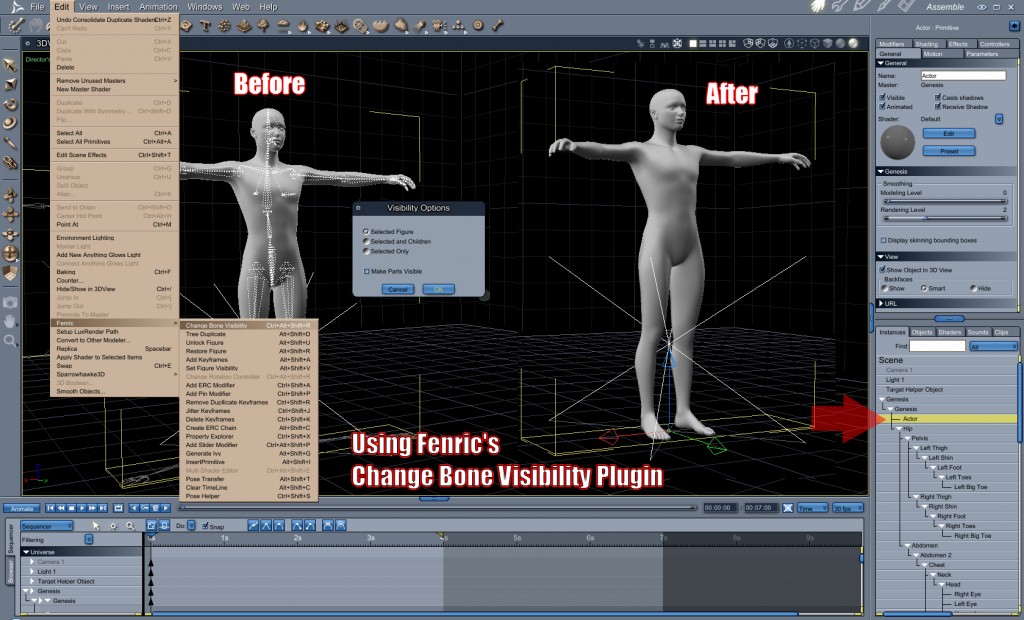
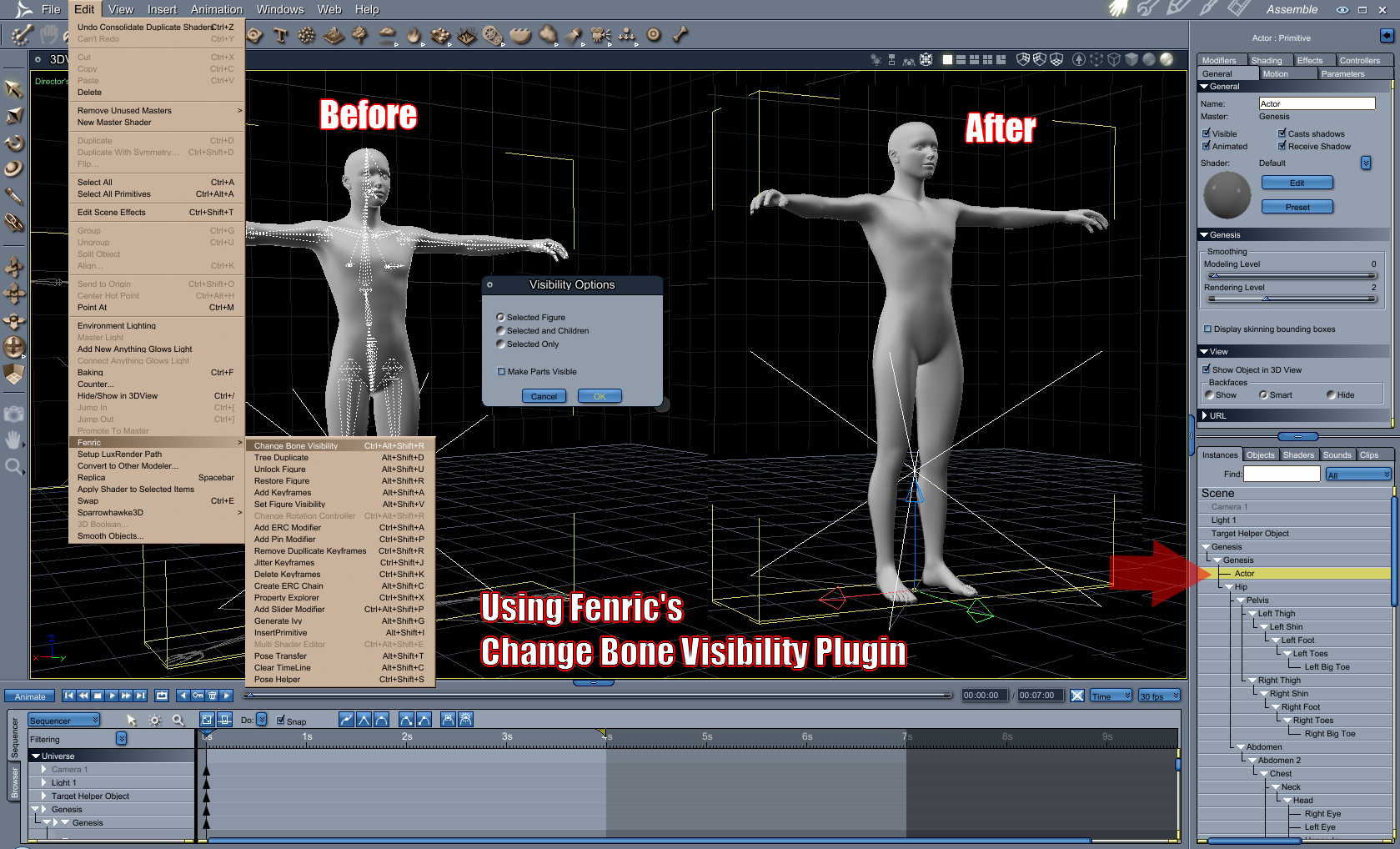
The other problematic area comes when right-click selecting to key-frame joint rotations by hand. Right-clicking directly on the bone in question removes that body part from the choice of selections in the right-click menu, as shown in the illustration below. We never want to actually select the Wireframe, which IS available in the list. We want the actual part.
Also as shown in the illustration is the same right-click menu from the same spot of right-clicking after using Fenric’s Change Bone Visibility tool:
EDIT > Fenric > Change Bone Visibility
Notice how the “Wireframe” option is no longer within the list? That’s exactly what we want! But also notice how clean and easy to work with our Genesis has now become, without the bones being visibile!
What is that you’re asking? “Can’t we just do this without buying a plugin?” The answer is “Yes, but not without its risk”.
To change bone visibility, you must select each bone in turn and, in the Effects tab, deselect “Display Wireframe When Attached”, a check box near the top of the panel. While this might sound simple, each time we perform this, it causes Carrara to to something that creates a lengthy pause, locking up Carrara until the wait is over… and this can occur for each bone, which makes for a lot of tedium.
I prefer to pose each finger joint for each major pose. You’ll often notice a lack of this operation in animations where the animator ignored doing so – which causes the hands to look unrealistically stiff. So I would need to perform this for each joint of each finger as well. I’ve even actually had Carrara crash before I’ve finished changing the bone visibility by hand like this.
I gave Fenric my five bucks at his Den, and downloaded the plugin.
Once installed, the entire procedure is instantaneous with no lag or pause from Carrara at all… so I now know that Carrara loves this tool as well!
Woods Creation has created a morphing area-mask tool that parents to the Carrara camera to block out all but a small window of your image. The tool is used to speed up re-rendering when only one small part of a render has changed – especially useful for very large renders and complex scenes with GI calculations. The masked render is then combined with your original full render in a layered photo editing tool like Photoshop. A professional studio time saver!
Artists may submit up to two images and must use Carrara to render a PUNCH LINE to a joke!
Dates to Remember:
– WIP Thread Opens: 9:00 PM ET May 12, 2014
– Submissions Open: 9:00 PM ET May 19, 2014
– Submissions Close: 9:00 PM ET June 2, 2014
– Voting Starts: 9:00 PM ET May June 2, 2014
– Voting Ends: 9:00 PM ET June 9, 2014
Sparrowhawke3D has announced a new plugin for Carrara, the Instance Randomizer a shader which generates a random value between 0 and 100. With many instances of the shader in a scene, the results for each will be different. The shader can be used to drive a color gradient as shown in the documentation. With Boolean enabled the shader returns 0 or 100 – making either/or decisions possible.
The plugin will not drive instances in Carrara’s Replicator, only real instances.




 Sparrowhawke3D has announced a new plugin for Carrara, the Instance Randomizer a shader which generates a random value between 0 and 100. With many instances of the shader in a scene, the results for each will be different. The shader can be used to drive a color gradient as shown in the documentation. With Boolean enabled the shader returns 0 or 100 – making either/or decisions possible.











 Saving...