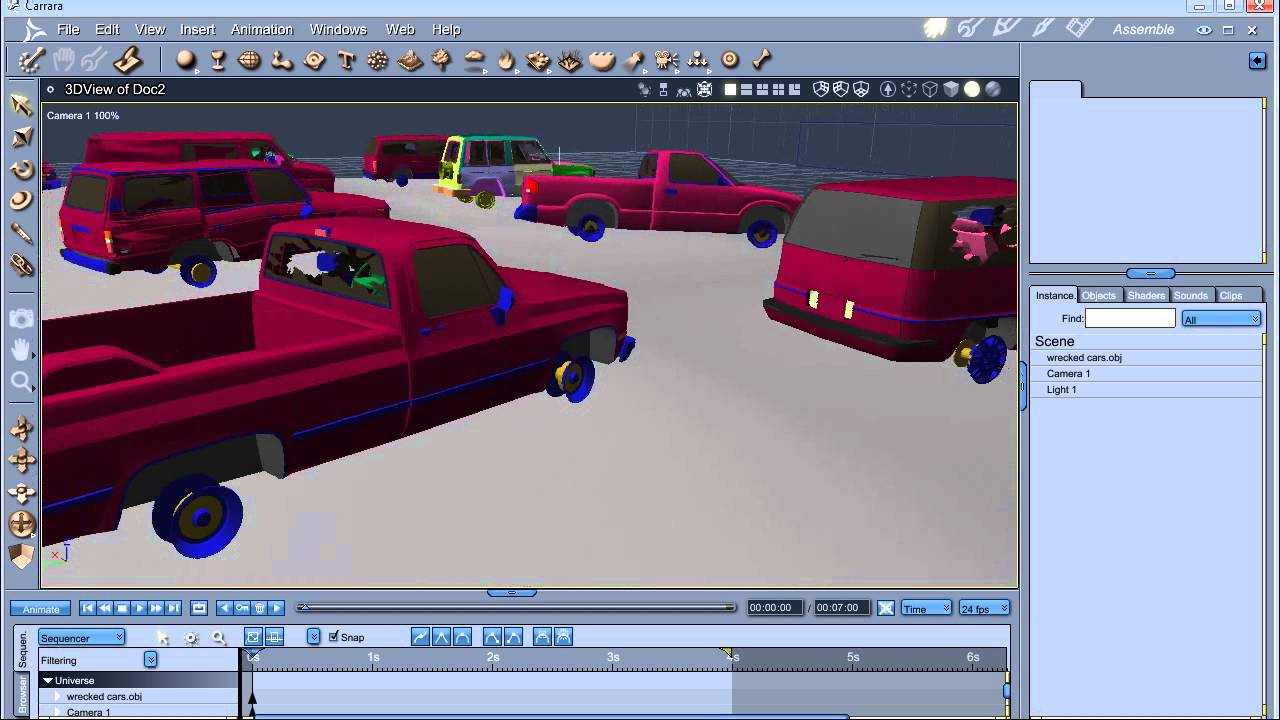
Sci Fi Funk has released a 4 part tutorial showing us how to apply rust shaders to a bunch of imported cars.
How to make rusty wrecked cars Tutorial. Using cheap models how to amend shading domains and apply rust shaders to your 3d models. I start the tutorial by looking for cheap (low poly) wrecked cars. The only ones I could find that were reasonable priced were (inevitably) in max format. So they need converting to something usable by Poser or Carrara. I briefly explain how to install 3ds max (for poser people). The only way I could export successfully was via obj format, but the shading domains are all over the place and I couldn’t get materials out. Even if I had they would need editing to rusted shaders. I explain how to model cars to make them look wrecked (move doors, bend plains etc).
PART 1 – http://www.youtube.com/watch?v=kyO53Smu6JE (Finding Car models and bringing into Carrara)
PART 2 – http://www.youtube.com/watch?v=8I9HT0-u1c4 (Organising your car models for shader work)
PART 3 – http://www.youtube.com/watch?v=KyoNAGYJKgE (Shader overview)
PART 4 – http://www.youtube.com/watch?v=rw7_jNxb4CU (Detailed explanations of the shaders)
Here’s another tutorial on creating gears in the vertex modeller. The subject was inspired by Cripeman’s tutorial but the method is different. This one focuses on the replicate and bend and twist modifiers to produce meshable gears of different sizes. Feedback is welcome. Enjoy
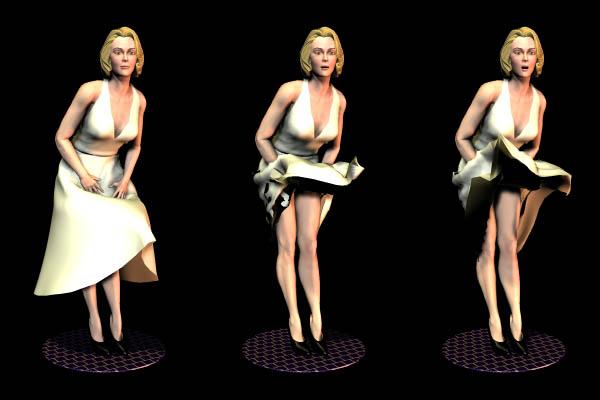
The following tutorial was originally posted on the old Daz3D site, but has been broken for some time.The most important file, the “Dyn to Morphs” Python script that does the job, is now available here, with the tutorial in PDF format: Dynamic Poser clothing export script
Forum post with some details about Carrara 8.5 beta, by Argus1000: All you have to do is animate the cloth on the figure in the cloth room and (very important) use the “dyn_to_morphs” Python script on the animated cloth. Save the file as a PZ3, and open it in Carrara. Now that used to work right off the bat in Carrara 8, but now in Carrara 8.5 (maybe because it’s still a beta) you have to do a little work around. For some reason the figure that is imported is now out of shape; so I save the animation as an NLA , import a new figure from the browser, transfer the animated cloth from the old figure to the hip of the new figure, and then delete the old figure.
Source: http://www.daz3d.com/forums/viewthread/5498/P15/













 Saving...