Fake Subsurface Scattering Concepts
Fake subsurface scattering with a falloff shader.

Fake subsurface scattering with a falloff shader.
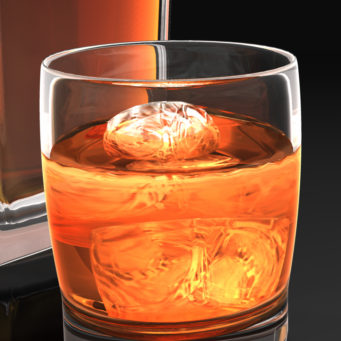
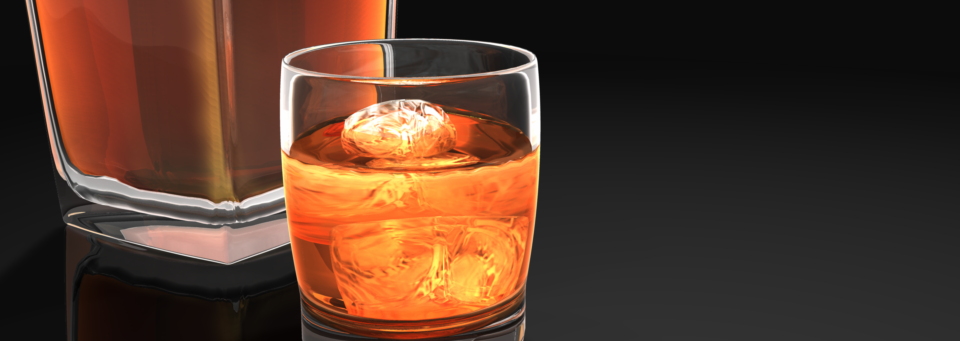
What if I told you there is a single effect that can deliver more visual impact from your renders, allowing you to redefine reflection, highlight, and shadow with the contours of your scene objects. Create photoreal fabric and glass shaders, and enhance skin with subtle, flattering effects that render in a fraction of the time of subsurface scattering. Well it’s all true. It’s called Falloff, and it’s not included with Carrara but probably should be.
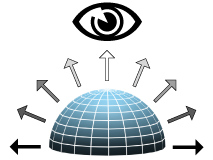
Falloff is a value based on viewing angle
As of Carrara8.5 there is no falloff shader included with Carrara. Fortunately we have several choices with plugins. Digital Carver’s Guild offers a simple Fake Fresnel shader with SHADER OPS. SHOESTRING SHADERS adds the more sophisticated Fresnel and Angle shaders. Sparrowhawke3D recently updated the Laboratory plugins for Carrara8.5, including a free Edge Falloff Shader.
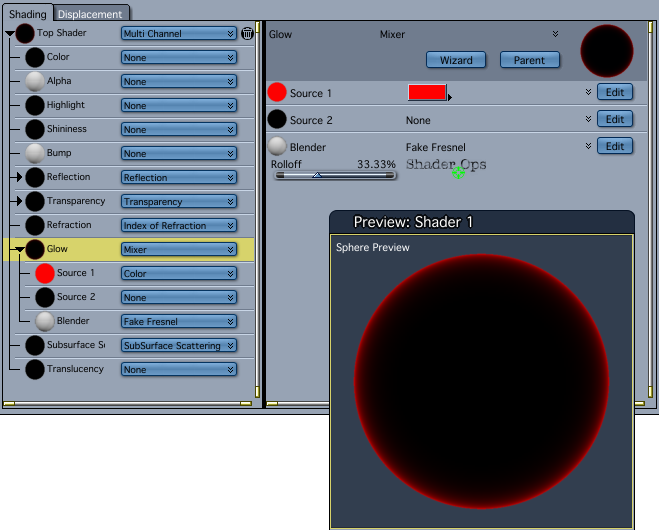 Fake Fresnel in Shader Ops will always “point at” the rendering camera, but the Shoestring Shaders are more versatile allowing any scene object to be the “point at” object. All the examples in this article use the simpler Fake Fresnel shader. Links to the plugins are at the end of the article.
Let’s start with a simple falloff in the glow channel. See how the cherries “pop” from the dark background? They almost seem to float in space in front of the screen. This is because the extra contrast separates the layer from the background. If we were seeing this in real life, there would need to be empty space behind the cherries to create this kind of “light wrap” effect. Our eyes perceive the fall off as depth, as well as adding a kind of glossy highlight all around the curved surfaces. Use this trick anytime you want to make an object jump out and grab attention.
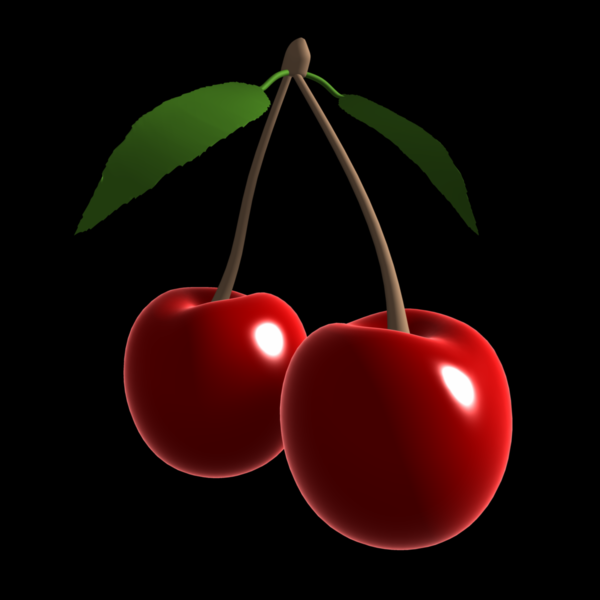
Falloff edges “pop” from a dark background
Instead of “popping out” of the screen, falloff in the Reflection Channel can help embed an object into your environment, especially when using an hdr background to wrap your scene. Hard surfaces made of metal or glossy enamel coatings start to reflect at oblique angles, even if they don’t have a highly mirrored surface. Airplane wings, automobile hoods, chrome bumpers, stainless steel tools, and ceramic-tile countertops are objects that will show more reflection when viewed edge-on. Adding falloff in the Reflection Channel also creates a better light wrap on hard surfaces when using hdr backgrounds and image-based lighting.
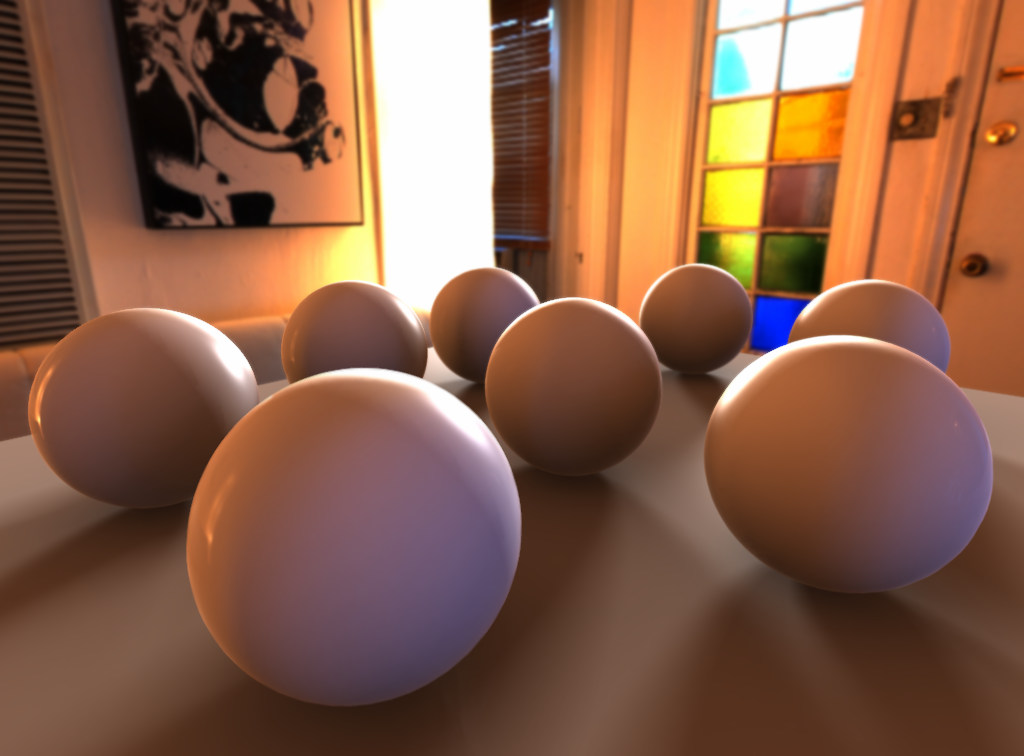
HDR courtesy http://www.hdrlabs.com/sibl/archive.html
Glass can be one of the most challenging surfaces to render in 3D. Even with extra lights and heavy refraction the edges of glass objects can easily disappear. A thin, bright, edge falloff glow gives glass more “presence”. As above, falloff in the reflection channel can also be added for additional photorealism.
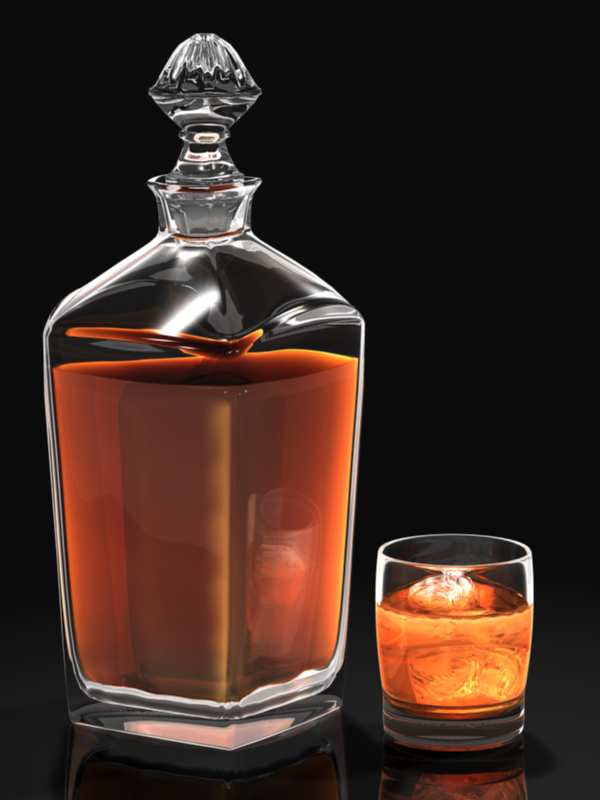
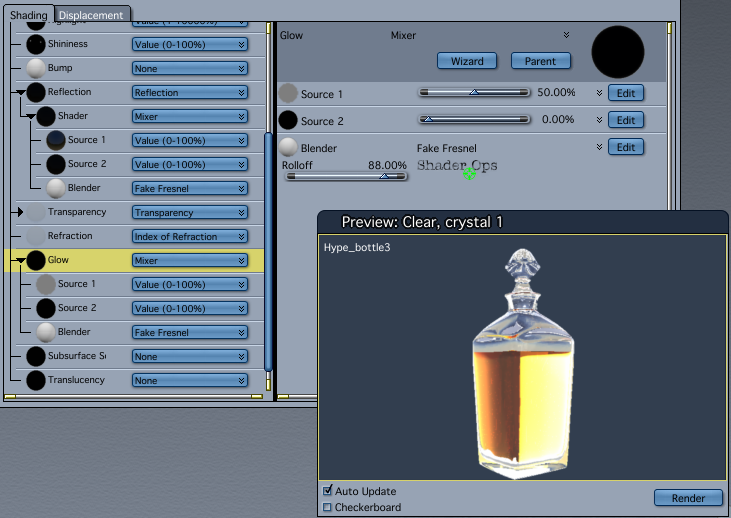
Glass shader uses falloff in Glow and Reflection
In a transparent material like glass, the reflection and transparency depends on the angle of view. For instance, if you are facing a window, most of the light goes through and there is very little reflection. At low angle, however, the glass becomes a very reflective surface. This is very useful to create transparent material such as glass but also for water surfaces (ocean, lakes, etc.)












 Saving...