How to export Aniblocks from DAZ Studio into Carrara
To export an AniBlock from DAZ Studio to Carrara, you’ll need to bake to studio keyframes first. This video shows why and the correct way to export Aniblocks from Daz Studio and into Carrara.
To export an AniBlock from DAZ Studio to Carrara, you’ll need to bake to studio keyframes first. This video shows why and the correct way to export Aniblocks from Daz Studio and into Carrara.
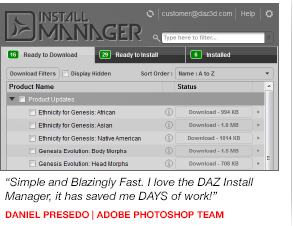
The latest release of DIM (Daz Install Manager) 1.0.1.75 that was released on 20130617 now includes important updates for Carrara.The major feature is support for Carrara unique items and plugins, but also that Carrara 8.5 users now can skip to install Daz Studio but still get the full functionality of Genesis and metadata items.
More info in the forum thread:
http://www.daz3d.com/forums/viewthread/23964/
The main web page for the DIM:
http://www.daz3d.com/install-manager-info
Developer Spheric Labs that is selling Luxus the Luxrender plugin for Daz Studio, has already released an alpha release for the Carrara version.
Since it is an alpha version, it is very limited and should be seen a glimpse of what we may see in the near future if all goes well.
Here is the Forum thread with the discussion and download (updated): http://carraracafe.com/forum-3/#cid=1,tid=30
Direct download link for Luxus: http://sphericlabs.com/carrara/Luxus.zip
I have made the following simplifications to get this to you quicker.
1) Win64 only for now. (Please don’t kill me over this)
2) LuxRender must be installed like so
– CarraraFolder
— Carrara.exe
— LuxRender
— LuxRender.exe
3) Autotranslation is very primitive. I doubt it will work at all.
4) 2 new shaders. Lux Surface should be the top most shader, Lux Matte must be in the first slot of Lux Surface
5) Only the diffuse channel of Lux Matte will work. You can set a color or a texture there.
6) The Rendering Options only let you specify general stuff, not options on those things.
Get Luxrender here: http://www.luxrender.net/en_GB/standalone
Luxrender gallery: http://www.luxrender.net/forum/gallery2.php
Luxus for Daz Studio: http://www.daz3d.com/luxus
Updated 20130412: Added a quick render comparison of Carrara internal vs Luxrender via Luxus alpha.
To start Luxrender, note the top right corner: Renderer: Luxus via Luxrender, then press Render as usual.
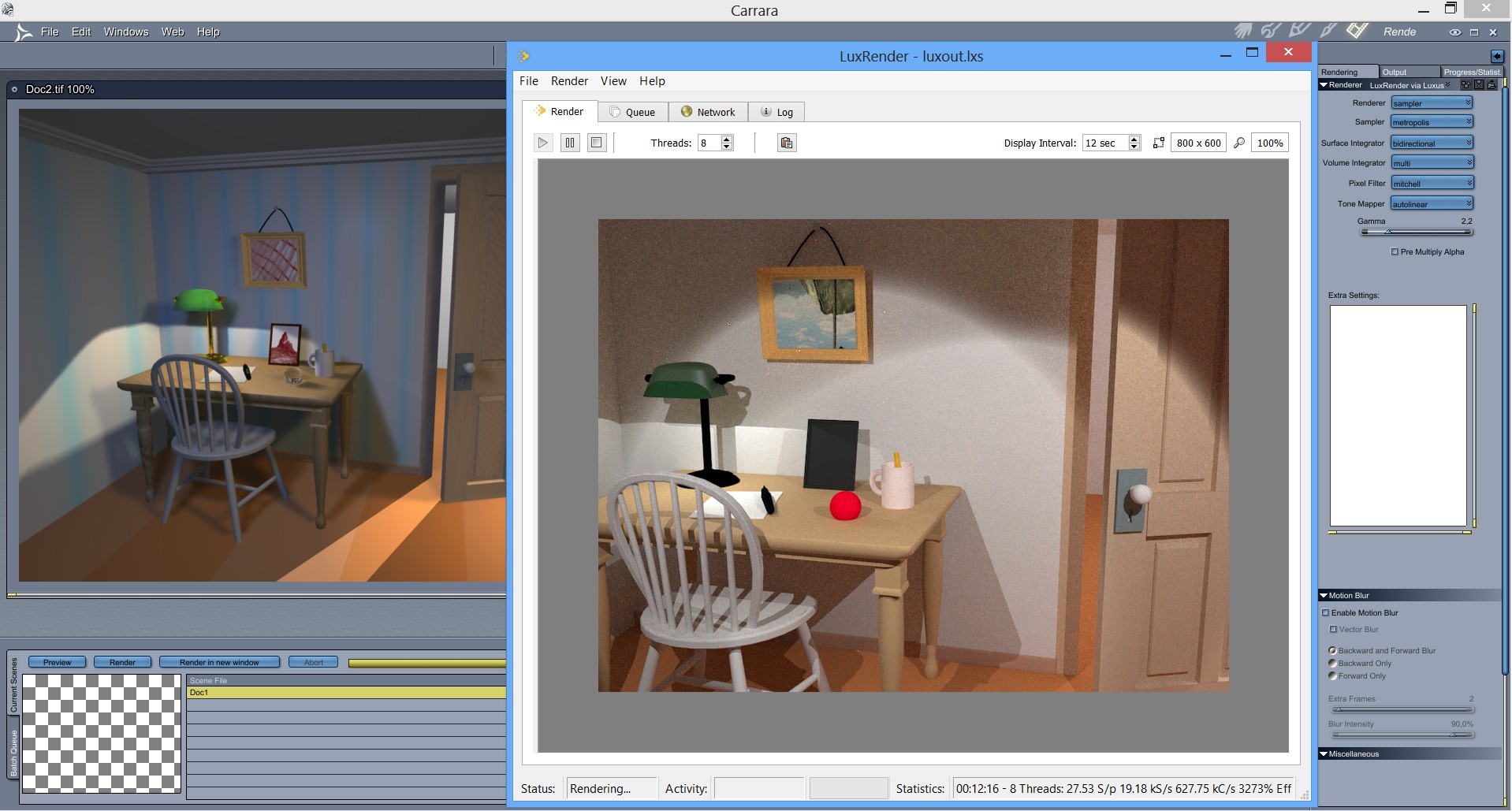
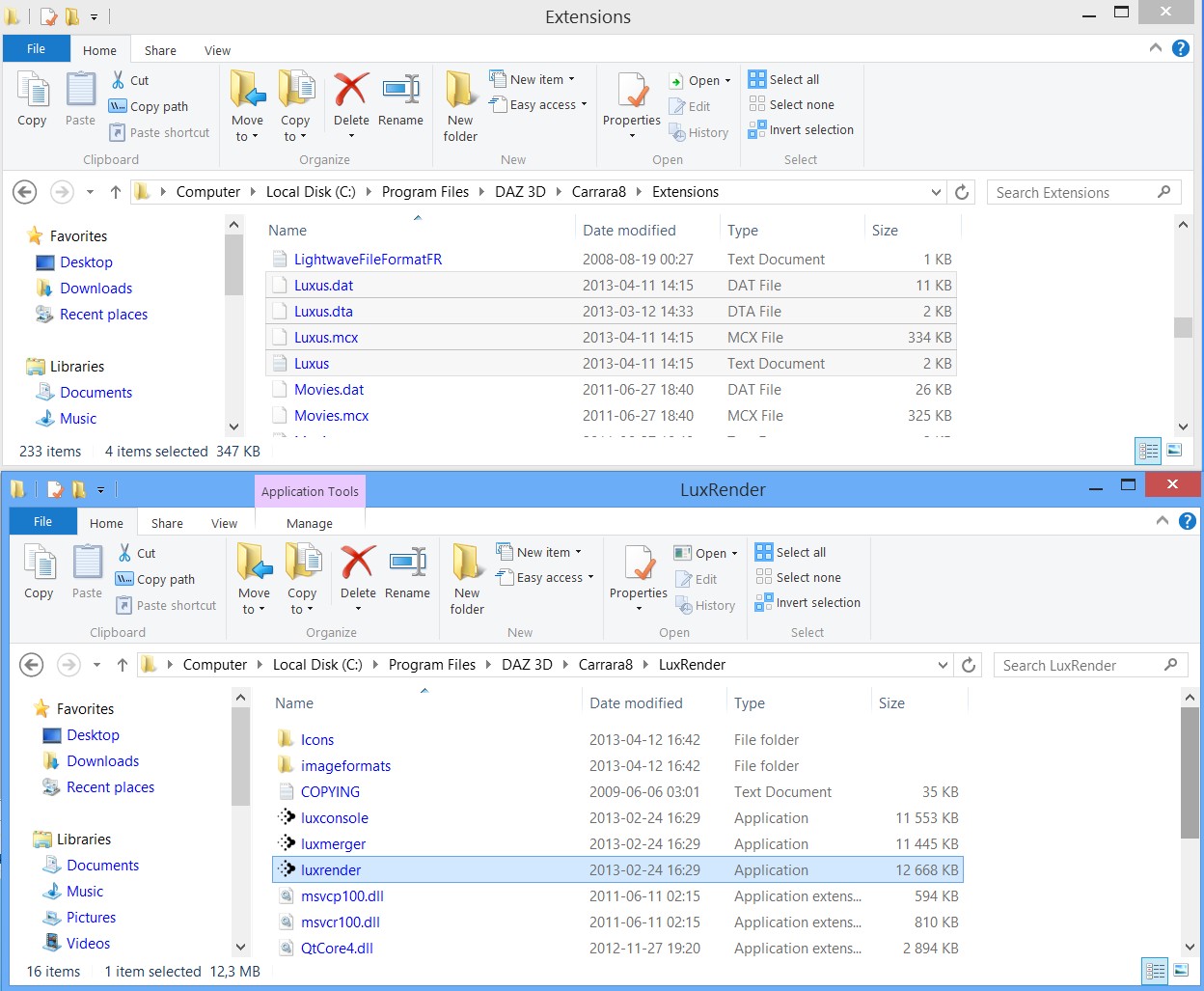
Installation: Extract the zip file of Luxus into the Extensions folder of Carrara 8 64bit. Install Luxrender in the Carrara 8 folder, see the screenshot below that shows the correct paths/files:
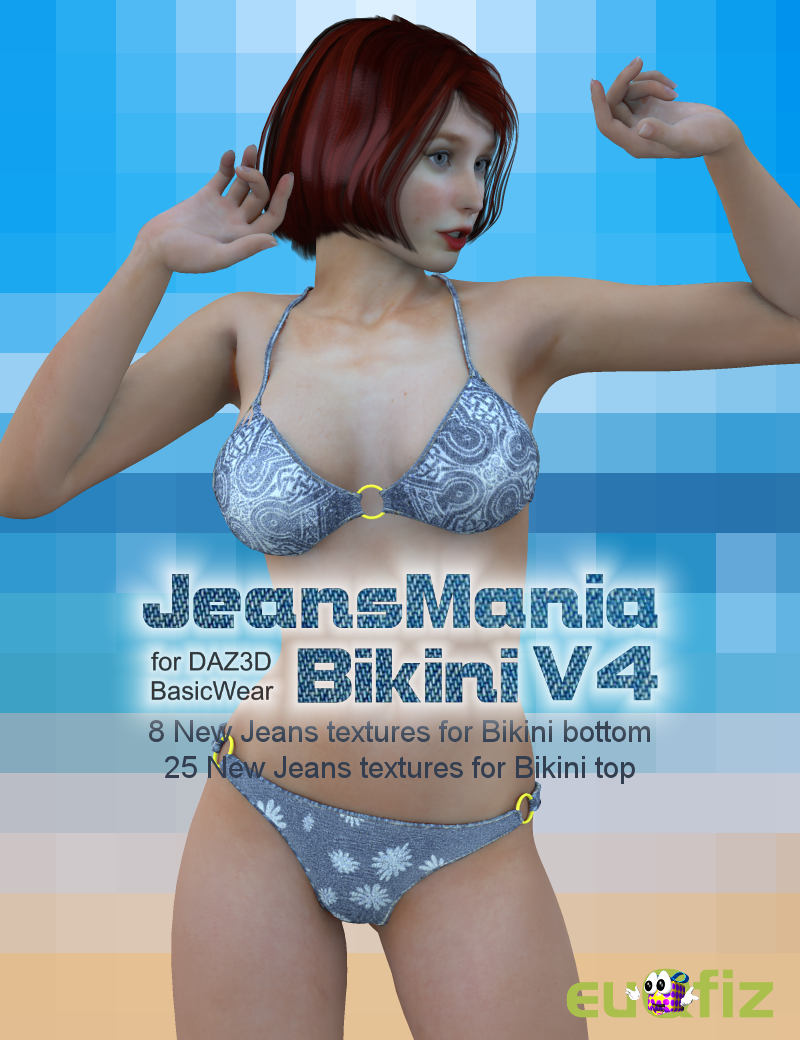
Our resident artist/vendor/administrator GKDantas has just released a new V4 Bikini texture set called JeansMania, with Carrara shader support.
Unlike other texture sets, you get support for Poser, Daz Studio and Carrara, with unique extra shaders for Carrara.
You need V4 and Basicwear for V4, both are included for free with Carrara 8 Pro (not sure about C8 non Pro).
More details at Renderosity: http://www.renderosity.com/mod/bcs/jeansmania-for-v4-bikini/98136/
A freebie single bikini set with Carrara shaders can be downloaded from here: http://www.euqfiz.com.br/2010/jeansmania-freebie/
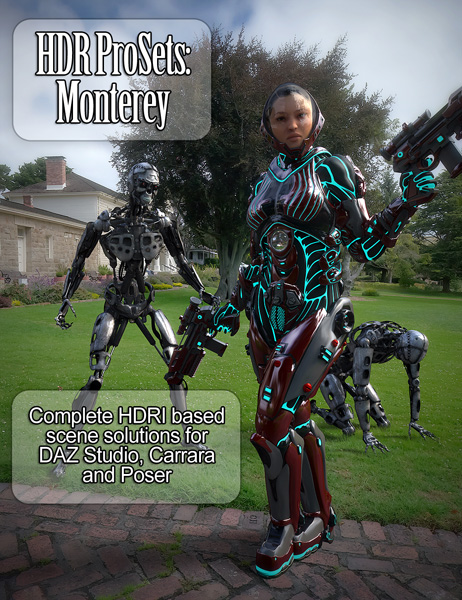
Three new products for Carrara (and Daz Studio and Poser too) has just been released by DimensionTheory, as usual there is an intro price of 30% off, the HDR Pro Sets Urban Recreation is currently 50% off.
I’m happy to announce the release of my second HDR Prosets product, from my trip to Monterey California! This set is now available in the store, with presets supporting DAZ Studio, Poser and Carrara. Also, new to the series are my “Basesets” which I’ll be releasing with each new set. These contain just the HDRI files and background textures for use in most any program at a cheaper price, very useful if you don’t use the named programs or just want to make your own presets!
HDR Prosets: Monterey –
http://www.daz3d.com/new-releases/hdr-prosets-monterey
HDR Basesets: Monterey –
http://www.daz3d.com/new-releases/hdr-basesets-monterey
On another note, Carrara and Poser support has been rolled out for my previous set Urban Recreation! Those who purchased this set previously should be receiving the updated files, if not please reset your downloads and let me know if there’s issue. Newcomers will be able to grab the set at it’s original discounted price of 50% off for a limited time! Please enjoy these new presets and feel free to post your renders for me to see!
HDR Prosets: –
http://www.daz3d.com/urban-recreation
More info and pictures here: http://www.daz3d.com/forums/viewthread/17022/
The new DAZ Install Manager (DIM) has been announced in the Platinum Club newsletter and the Daz3D forums as well. While it seems to have no meaning or impact for Carrara users, other than smoother content installation, it actually shows the way forward for Carrara.
With the DIM, the new SmartContent tab in Carrara 8.5 becomes independent of Daz Studio 4.5, which currently is needed to initialize all newly installed content by first running Daz Studio and then Carrara.
When the DIM has been released, Daz Studio will only be needed to install the Content Management Service (CMS), then you can choose to un-install Daz Studio and never look back. The CMS stays behind since it has its own uninstaller.
Daz has confirmed that there are plans to fix the final issue of having to install Daz Studio to access the CMS, which can be interpreted as a confirmation of the plan to move forward to a future of a stand-alone Carrara 8.5 release.
A quote from Daz_Spooky in the Carrara forums at Daz3D.com:
A while back I stated 8.5 couldn’t really be considered ready until you didn’t need DAZ Studio to populate the database.
If you use Poser/DAZ Studio Content in Carrara, then Install manager will populate the database, and therefore your smart content tab, for new content installed without opening DAZ Studio.
You will still need to install DAZ Studio to install the Content Management Service but that is also on the list. Once you have and are using Install manager, if you don’t want DAZ Studio on your machine, you can install it, it will install the Content Management Service, then promptly uninstall DS, and it will leave the Content Management Service installed (by design, you have to specifically run the separate uninstaller for the Content Management Service to remove it).
More coming, that I can’t yet talk about.
Here is a video that shows the DIM in action:
DAZ Install Manager – New to 3D Content (for Windows users)
http://www.youtube.com/watch?v=jE5C5w4ha_M
DAZ Install Manager – Add to Current System (for Windows users)
http://www.youtube.com/watch?v=6E4ft-bsPL0
There are also videos for mac users posted on the channel:
http://www.youtube.com/user/WWWDAZ3DCOM
Some more info in this Forum thread: http://www.daz3d.com/forums/viewthread/16099/
Also, DAZ has plans for an announcement about Carrara in February, stay tuned for more info…
UPDATE 2013-02-05: The DAZ Install Manager has just been released as a beta for Platinum Club members, got a newsletter with a 25% rebate coupon too.
Over 10 000 products are supported, but Carrara is not included in the first beta release 1.0.0.112.
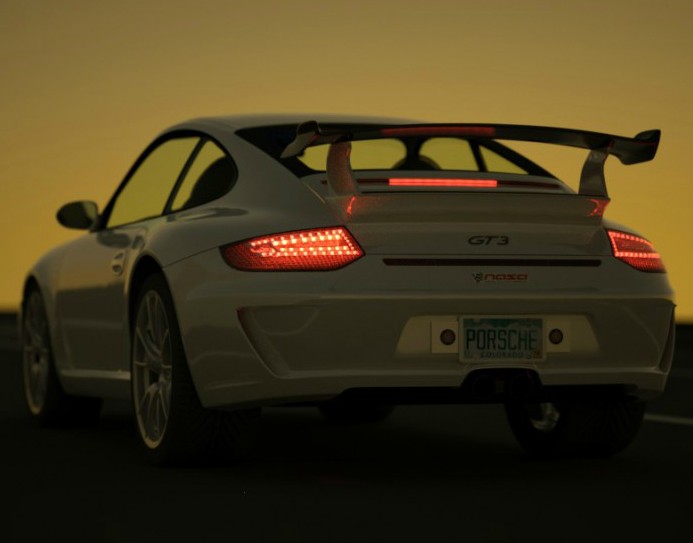
OctaneRender 1.0 is now available after a long beta test period.
The GPU accelerated fully physically based, unbiased render engine supports Daz Studio and Poser with plugins,
while Carrara is supported via export to the Wavefront obj format to the base Octane application.
The price of Octane is 199€ and the applications plugins are 99€, with some bundle deals.
There is a demo version to try before you buy.
Features:
http://render.otoy.com/features.php
Release 1.0 details:
http://render.otoy.com/forum/viewtopic.php?f=7&t=25376
Here are the CarraraCafe tutorials for exporting to OctaneRender:
-Exporting from Carrara to Octane Part 1
http://carraracafe.com/?p=1425
-Exporting from Carrara to Octane Part 2
http://carraracafe.com/?p=1428
Octane Render Quick Overview video
/3drendero





 Saving...