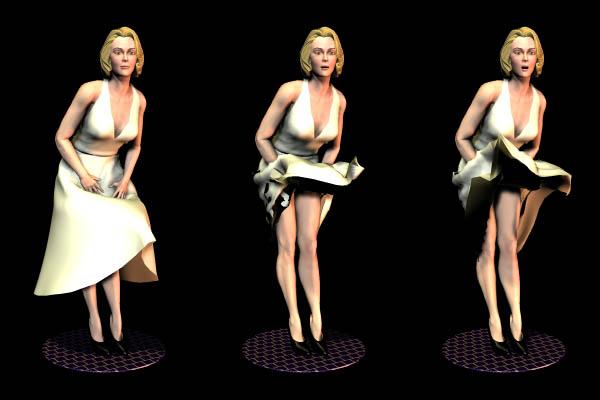
The following tutorial was originally posted on the old Daz3D site, but has been broken for some time.The most important file, the “Dyn to Morphs” Python script that does the job, is now available here, with the tutorial in PDF format: Dynamic Poser clothing export script
Forum post with some details about Carrara 8.5 beta, by Argus1000: All you have to do is animate the cloth on the figure in the cloth room and (very important) use the “dyn_to_morphs” Python script on the animated cloth. Save the file as a PZ3, and open it in Carrara. Now that used to work right off the bat in Carrara 8, but now in Carrara 8.5 (maybe because it’s still a beta) you have to do a little work around. For some reason the figure that is imported is now out of shape; so I save the animation as an NLA , import a new figure from the browser, transfer the animated cloth from the old figure to the hip of the new figure, and then delete the old figure.
Source: http://www.daz3d.com/forums/viewthread/5498/P15/
The gift for Day 1 are Bryce Elements presented to you
by our DAZ PAs and Bryce Masters, Horo and David!!!
*** Note their offerings also have something for Carrara and DAZ Studio ***
Download: http://www.horo.ch/guestxchg/xPackageDH.zip
“Important to know is that the zip has to be unpacked with retaining the folder structure. It contains two scenes for Bryce with two videos; an HDRI each for Bryce, Carrara and Studio with short videos (~5 min) how to use them in the respective programs.”















 Saving...